Create your webinar with AI: from niche to launch in one click
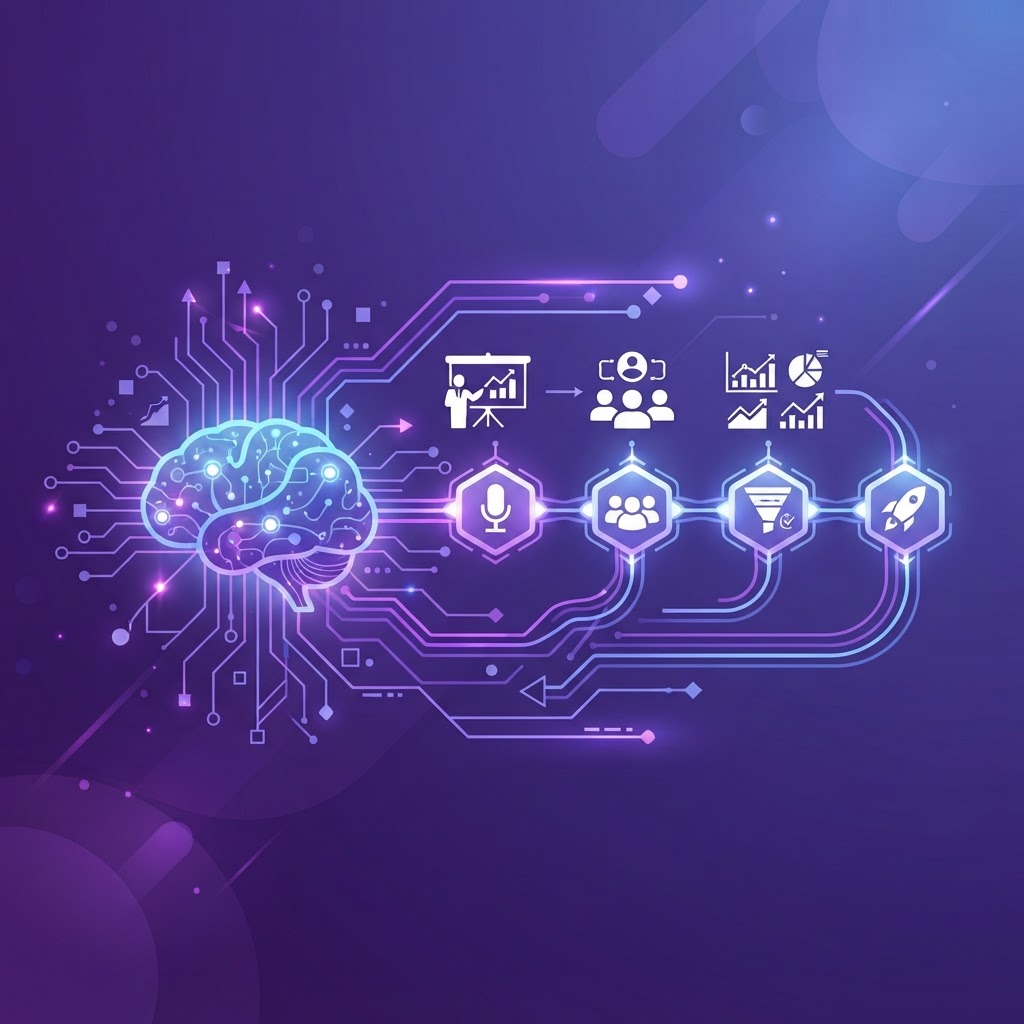
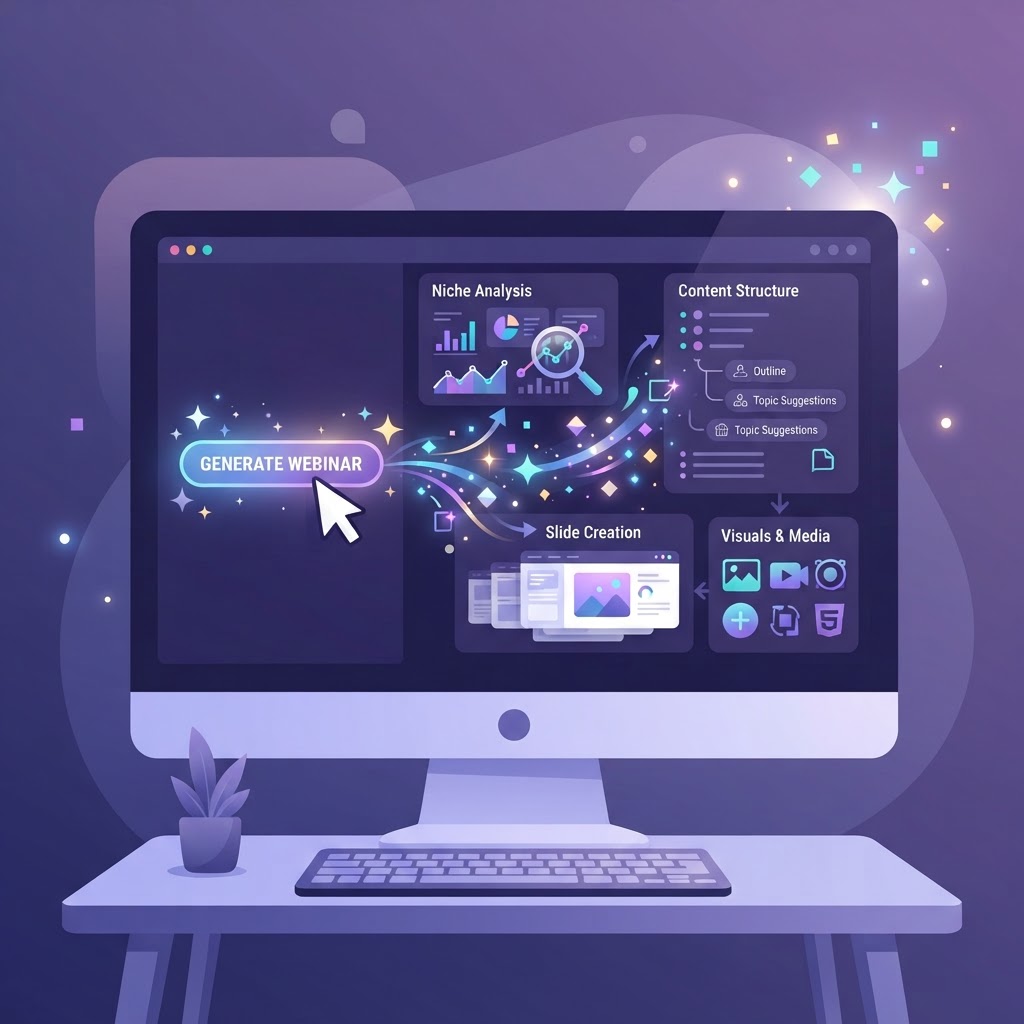
Creating your webinar with AI has become a reality. From defining your niche to generating content and launching, artificial intelligence automates every step of your preparation. Here's how to create a complete webinar in one click, without sacrificing quality.
The paradigm shift
For years, creating a webinar took 2 weeks of work: niche research, offer building, plan structuring, visual creation, presentation writing, landing page preparation, reminder configuration. Each step was manual and sequential.
AI changes this paradigm. It doesn't just make each step faster: it does them in parallel, in seconds, with a consistency that manual work can't achieve. The difference isn't marginal. It's radical.
Step 1: Define your niche with AI
Niche definition is the starting point. AI analyzes it in 30 seconds.
How it works
Describe your idea in 1-2 sentences. AI analyzes:
- •Market size: the number of people concerned.
- •Problem intensity: is the pain strong and frequent?
- •Purchasing power: can and will the audience pay?
- •Competition: is the market saturated or differentiable?
- •Differentiation: do you bring a unique angle?
- •Accessibility: do you know how to reach this audience?
- •Trend: is the market stable or growing?
AI assigns a viability score out of 100 and identifies the strengths and weaknesses of your idea. You then validate with real customer conversations.
AI chat to refine
After the analysis, an AI chat lets you refine the niche. You can ask:
- •"How do I differentiate from competitors?"
- •"What's the best sub-segment?"
- •"What are the audience's pain points?"
AI proposes, you decide. It's a copilot, not a replacement.
Step 2: Generate your offer with AI
From your validated niche, AI generates your offer in 1 minute.
Generated elements
- •The main promise: the transformation you guarantee.
- •The hook: the phrase that grabs attention.
- •The pricing structure: free, freemium, or paid.
- •Bonuses: to increase perceived value.
- •The guarantee: to reduce perceived risk.
AI generates 3 variants of each element. You choose the most impactful. AI excels at proposing angles you wouldn't have considered.
Automatic consistency
AI generates all elements together, in a coherent system. The promise justifies the price. The price justifies the bonuses. The bonuses justify the guarantee. The guarantee justifies the urgency. No need to build this system manually: AI does it for you.
Step 3: Structure your plan with AI
From your offer, AI structures your webinar plan in 1 minute.
The 5-part structure
AI creates a structured plan with:
- •Introduction (5 min): hook, promise, rules.
- •Problem (10 min): your audience's problem.
- •Method (25 min): your solution in 3 to 5 steps.
- •Proof (15 min): results, testimonials, demonstrations.
- •Offer (10 min): presentation, bonuses, urgency, call to action.
For each part, AI proposes key points, transitions, and examples to include. You get a complete structure that you personalize with your stories and your voice.
Duration choice
AI offers two formats:
- •90 min: complete format (recommended for conversion).
- •Short: express format (30-45 min, for discovery webinars).
Step 4: Generate your visuals with AI
Generative AI creates your ad visuals in 2 minutes.
Generated formats
- •Square: for Facebook and Instagram feed.
- •Story: for Instagram and TikTok.
- •Landscape: for YouTube and LinkedIn.
AI generates 3 to 5 variants per format. You test and choose the best performers. It's faster and cheaper than a designer.
Visual consistency
AI maintains visual consistency across all your visuals: same color palette, same mood, same style. This consistency reinforces your brand and increases recognition.
Step 5: Generate your documents with AI
AI generates your support documents in 5 minutes.
The presentation
AI creates your slide text and speaker notes. Each slide has a title, content bullets, and notes to guide you during the live. You export to .pptx for PowerPoint, Keynote, etc.
The lead magnet
AI generates a structured free PDF: cover page, useful content (5-10 pages), call to action to your webinar. It's a powerful acquisition lever.
The one-pager
AI summarizes your offer on one page: promise, program, benefits, call to action. Ideal for sharing on social media or sending in outreach.
Step 6: Prepare your landing page with AI
AI writes your landing page content in 5 minutes.
Generated elements
- •The title: your main promise in one sentence.
- •The subtitle: an explanation of the promise.
- •The description: the detailed program.
- •Benefits: what your registrants will get.
- •Urgency: limited seats, deadline.
AI proposes variants for A/B testing and optimizes copy for conversion. You personalize and publish.
Step 7: Configure your reminders with AI
AI writes your reminder emails in 2 minutes.
The 3 generated reminders
| Reminder | When | Goal |
|---|---|---|
| Reminder | 24h before | Remind date and link |
| Start | At beginning | "The webinar is starting now" |
| Replay | 48h after | Share replay with absentees |
Each email is customizable in French and English. AI writes catchy subject lines and engaging email bodies.
The result: a complete webinar in 20 minutes
With AI, the complete journey takes 20 minutes:
| Step | Time |
|---|---|
| Niche analysis | 30 sec |
| Offer building | 1 min |
| Webinar plan | 1 min |
| Ad visuals | 2 min |
| Presentation | 5 min |
| Lead magnet | 2 min |
| Landing page | 5 min |
| Reminder emails | 2 min |
| Total | ~20 min |
Without AI, this journey takes 2 weeks. AI does the repetitive work. You keep control over quality and voice. The rest of the time, you spend promoting and preparing the broadcast.
AI as copilot, not replacement
AI is a copilot, not a replacement. It proposes, you decide. It generates, you validate. It structures, you personalize. The value of your webinar comes from your expertise, your examples, and your voice: AI helps you structure them faster, it doesn't replace them.
Used well, AI lets you launch a complete webinar in minutes instead of weeks, without sacrificing quality. It's the competitive advantage of entrepreneurs who know how to integrate it.
Conclusion
Creating your webinar with AI isn't about technology, but about method. AI automates every step of your preparation, from niche definition to launch. It doesn't replace your expertise, but it amplifies it. Entrepreneurs who integrate it launch more webinars, test more ideas, and convert better. It's the advantage of frequency and data-driven decision-making. From niche to launch in one click: that's the promise of AI for webinars.
Ready to build your webinar?
Turn your idea into a structured project with WebinarForge.