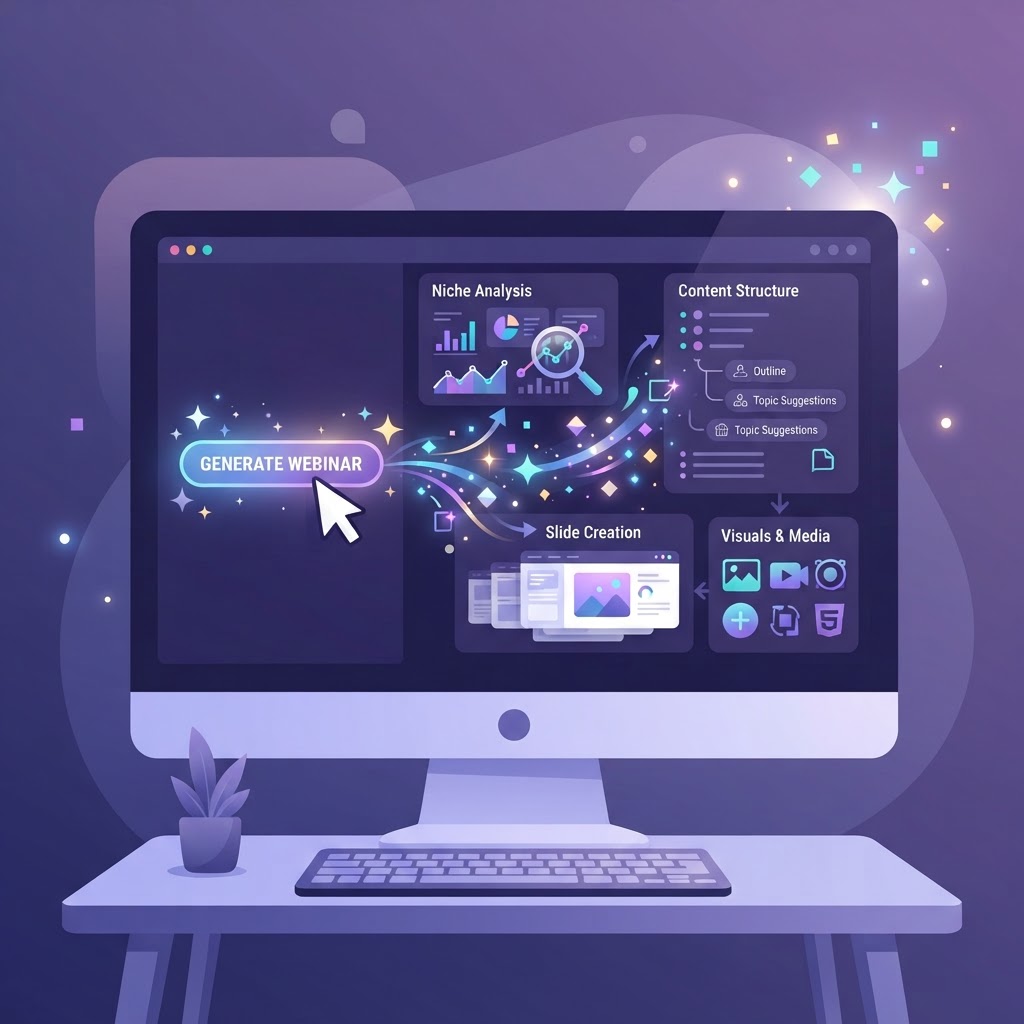
Using AI to prepare a webinar: 5 steps to save 10 hours of work
AI won't replace your expertise, but it can dramatically speed up your webinar preparation. Used well, AI saves you up to 10 hours of work per webinar, from niche analysis to creating your materials. This guide shows you 5 concrete steps to build AI into your preparation.
The right way to use AI for a webinar
The trap with AI is delegating everything without control. A webinar generated entirely by AI sounds generic and loses its author's voice. The right approach is to treat AI as a copilot: it proposes, you decide. AI speeds up repetitive tasks (research, structure, drafts) while you keep control over substance, tone and accuracy.
Here are 5 steps where AI saves you time without lowering quality.
1. Analyze your niche with AI
AI can help you explore your market, identify sub-niches and assess the viability of your idea. Describe your expertise and your target audience, then let the AI ask the right questions to refine your positioning.
A good prompt to analyze a niche: "Here is my expertise [details] and my target audience [details]. Analyze the viability of this webinar niche on 7 criteria: market size, problem intensity, purchasing power, competition, differentiation, accessibility and trend. Give a score out of 100 and a validation plan."
AI gives you a first analysis that you then validate with real customer conversations. It's a starting point, not the truth.
2. Build your offer with AI
From your niche analysis, AI can generate an offer proposal: main promise, hook, price structure, guarantee and bonuses. You stay in control: adjust each element before validating.
- •Ask for 3 variants of the main promise and pick the most powerful.
- •Have it generate 5 hooks and test the clearest one.
- •Use AI to phrase your guarantee in a reassuring way.
AI excels at rephrasing and proposing angles you wouldn't have considered. It's a tool for creative divergence, not for the final decision.
3. Structure your webinar plan
AI can create a structured webinar plan from your offer: sections, durations and notes for each part. It's a starting point that you adapt to your style and your audience.
An effective prompt: "From this offer [details], create a 60-minute webinar plan in 5 parts (introduction, problem, method, proof, offer) with the duration and key points of each part."
You get a complete structure in 30 seconds instead of 2 hours. The most important work remains: injecting your examples, your stories and your voice.
4. Create your ad visuals with generative AI
Generative AI can create multi-format ad visuals for your campaigns. Describe what you want, test several variants and choose the best ones. It's faster and cheaper than a designer.
- •Generate square, story and landscape visuals in a single session.
- •Test 3 to 5 variants per format to identify the best performers.
- •Use AI to adapt the style to each platform.
Be careful: AI-generated visuals must be consistent with your brand. Define a style (colors, mood) and reuse it for all your variants.
5. Prepare your support documents
AI can generate your materials: presentation deck, lead magnet, one-pager. From your webinar plan, it structures the content and gives you a base that you personalize.
- •Presentation deck: AI generates the slide text and the speaker notes.
- •Lead magnet: AI proposes a free PDF that attracts your target audience.
- •One-pager: AI summarizes your offer on one clear page.
Each document is a draft that you rework. AI saves you the time of the first version, you keep the time for quality.
AI as a copilot, not a replacement
AI is a copilot, not a replacement. Use it to save time on repetitive tasks, but keep control over every result. The value of your webinar comes from your expertise, your examples and your voice: AI helps you structure them faster, it doesn't replace them.
Used well, AI lets you launch a complete webinar in a few days instead of a few weeks, without sacrificing quality. It's the competitive advantage of entrepreneurs who know how to integrate it.
Ready to build your webinar?
Turn your idea into a structured project with WebinarForge.